
Log in to Project Go Hub
Log in to open your Project Go Hub Dashboard. If you cannot log in or cannot sign in, see the end of this page.
You need an account that a church admin has approved. If you do not have one yet, see Sign up for an account.
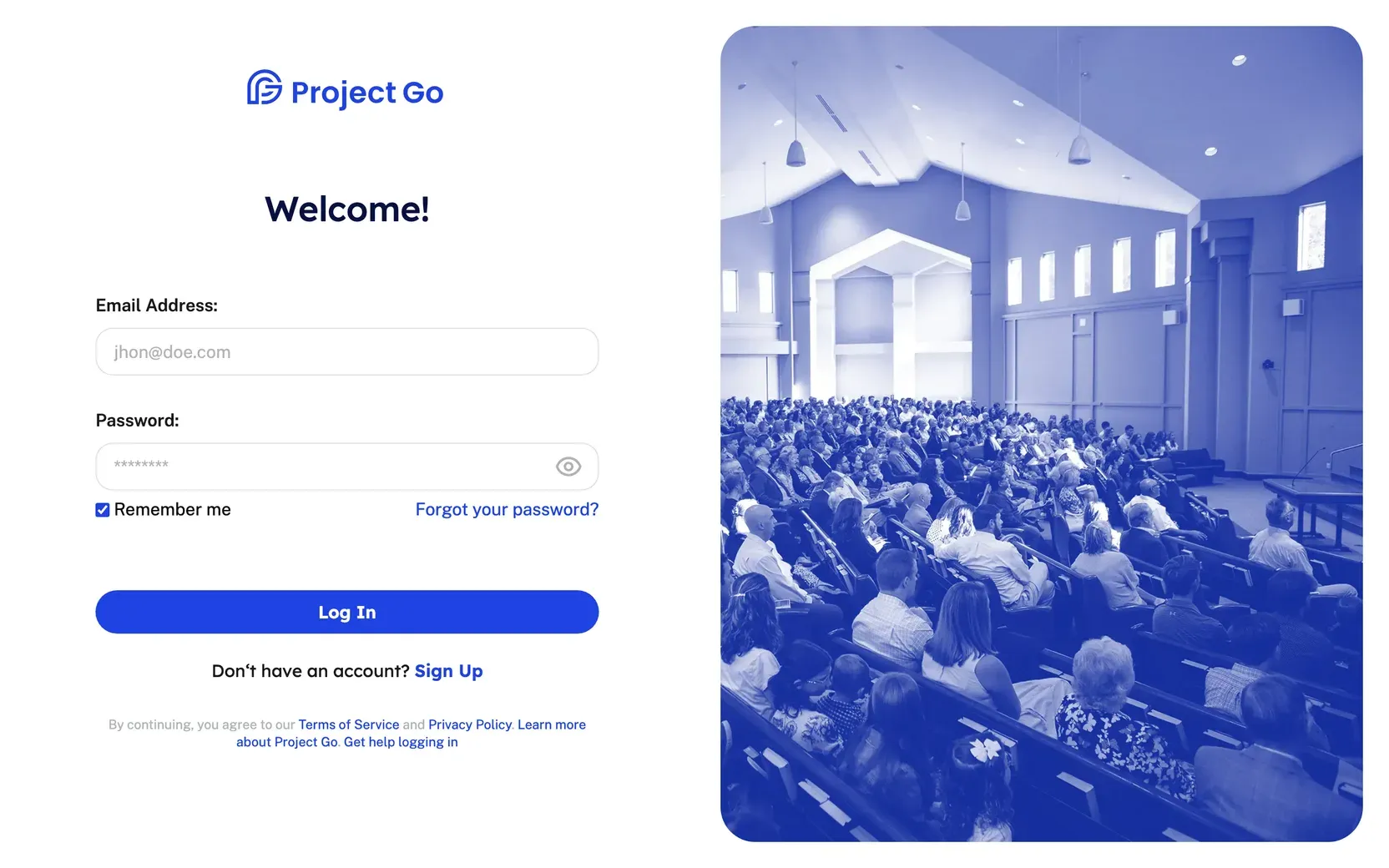
- Open Project Go Hub. The log in page opens when you are not logged in.
- Type your email in Email Address.
- Type your password in Password.
- Click Log In.
The Dashboard opens.
If you can’t log in
Section titled “If you can’t log in”- You forgot your password. See Reset your password.
- You signed up but cannot log in. A church admin must approve your request first. Watch your email for updates.
Still stuck?
Section titled “Still stuck?”Email info@project-go.com. Tell us your church name and what you tried.
Was this page helpful?
We record searches and page feedback, with no names, emails or IP addresses, to improve these articles.