
Update your profile
Your profile is what other members see in the Member Directory. Use these steps to keep it up to date.
Who can do this: Roles with Edit access to My Account.
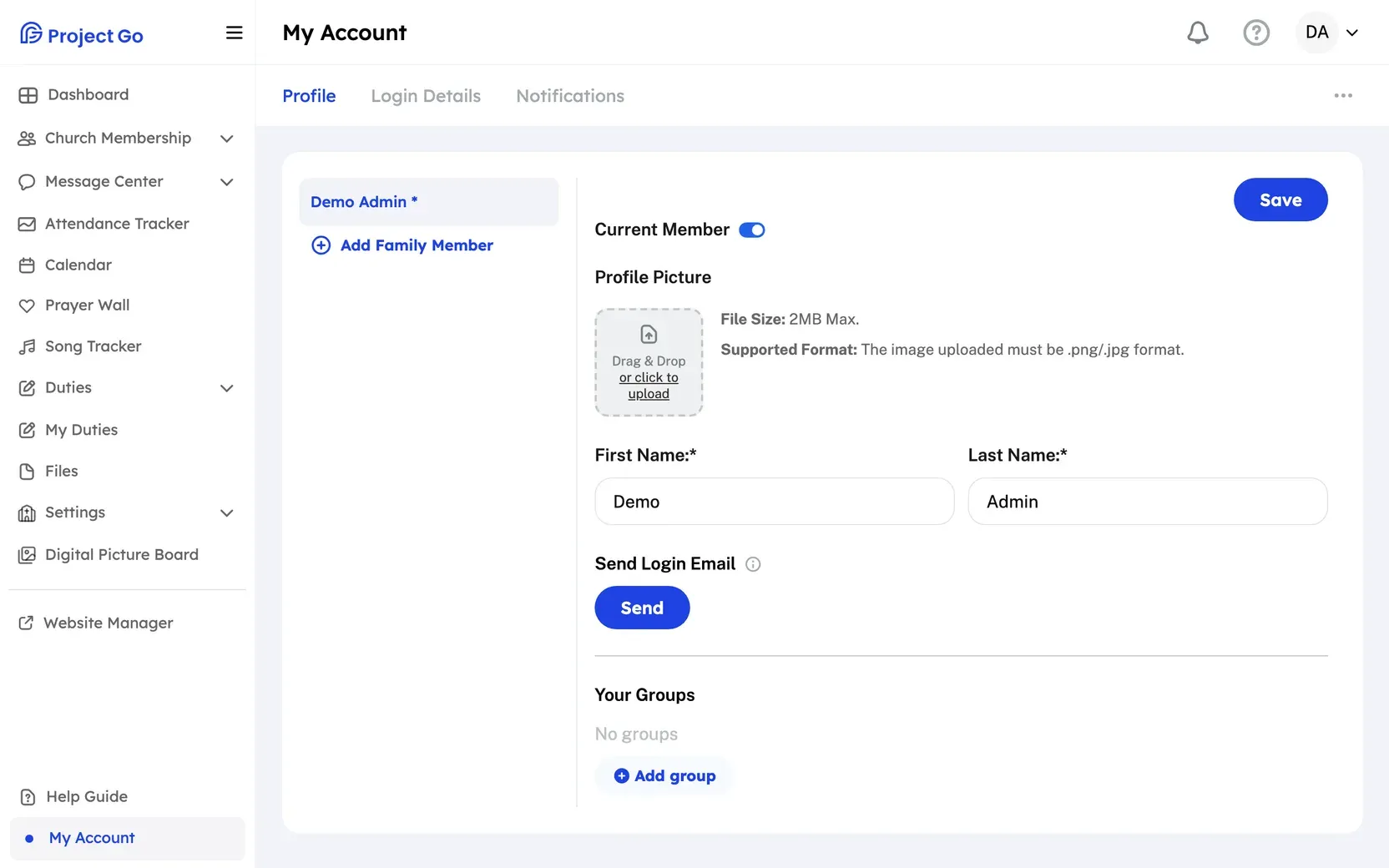
- On a computer, click My Account at the bottom of the menu. On a phone, tap More, then My Account.
- Click the Profile tab.
- If you see a list of your family, click your own name. On a phone, the list is a drop-down named Select a family member.
- Change the information you want to update.
- At the top of the form, click Save.
You can also open My Account by clicking your picture or initials at the top right, then My Account Settings.
Good to know
Section titled “Good to know”- First Name, Last Name and Gender are required. Required fields are marked with *.
- Birthday: Turn on Hide Birth Year to show only the month and day.
- Baptized: Turn it on to add a date. Click Clear Date to remove the date.
- Address: Start typing and choose your address from the list. If it is not in the list, click Add Address Manually. An address you add manually does not show on the Member Map.
- Show your household on the church map: It is off by default. Turn it on if it is okay for other members to see your family’s location on the Member Map.
- Hobbies can have up to 1,000 characters.
- Occupation, Employer, School, Social Media Links (Instagram, Facebook and X), Previous church and Comments are optional.
To change your picture, see Change your profile picture. To change the email or password you log in with, see Change your login email and Change your password.
If it does not work
Section titled “If it does not work”- “Start typing your address and select an option from the dropdown.”: Choose your address from the list, or click Add Address Manually.
- “Phone number must be exactly 10 digits”: Type a 10-digit phone number.
- “Baptism date cannot be before birth date.”: Check the Birthday and the baptism date.
- “Comments must not exceed 500 characters”: Shorten the text in Comments.
Still stuck?
Section titled “Still stuck?”Email info@project-go.com. Tell us your church name and what you tried.
Was this page helpful?
We record searches and page feedback, with no names, emails or IP addresses, to improve these articles.